
Proper-looking equations
Type a formula and KaTeX formats it inside the node.

It started as a tool just for me. Turns out other heads are messy too — so I made it public.
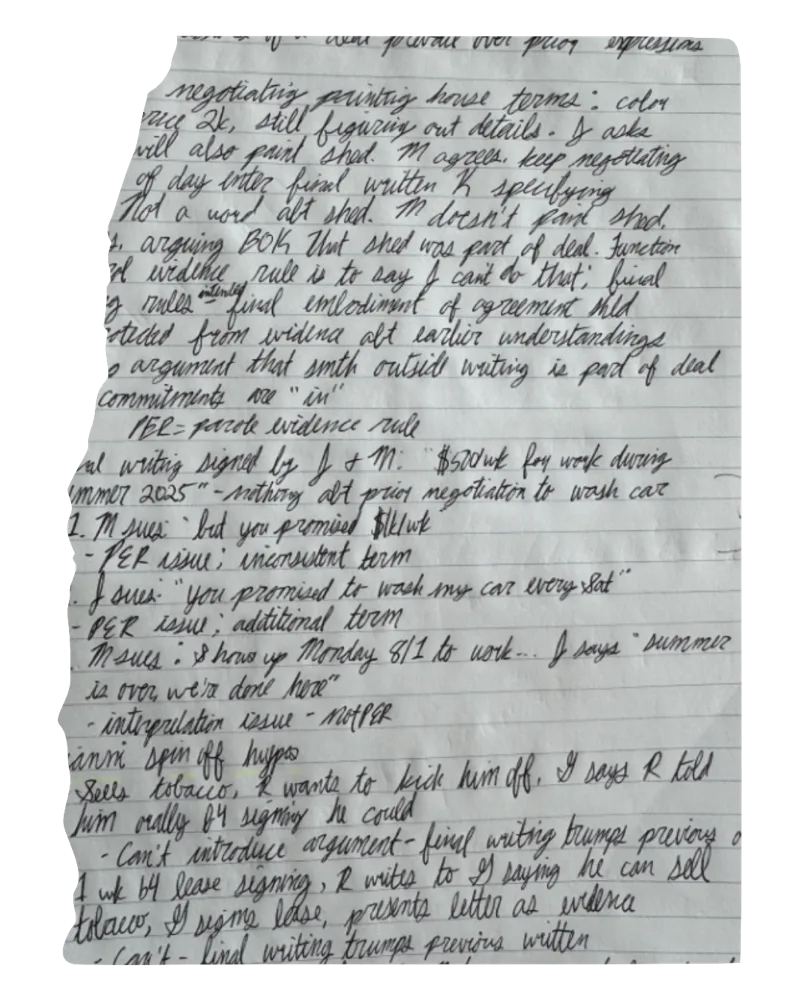
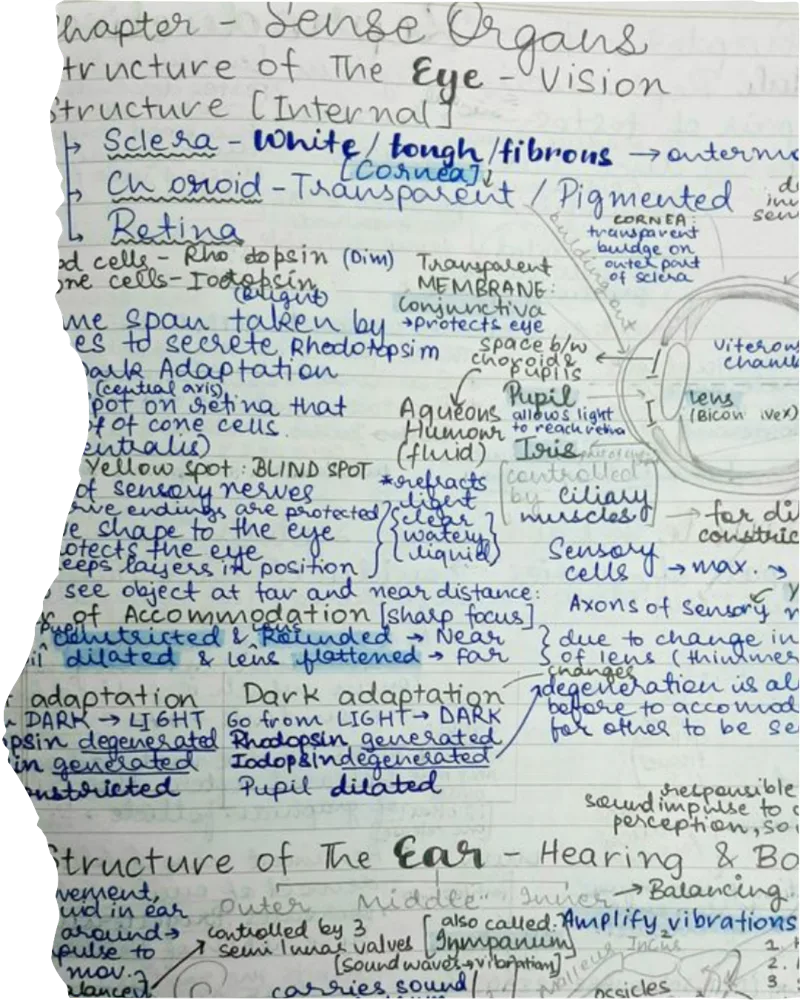
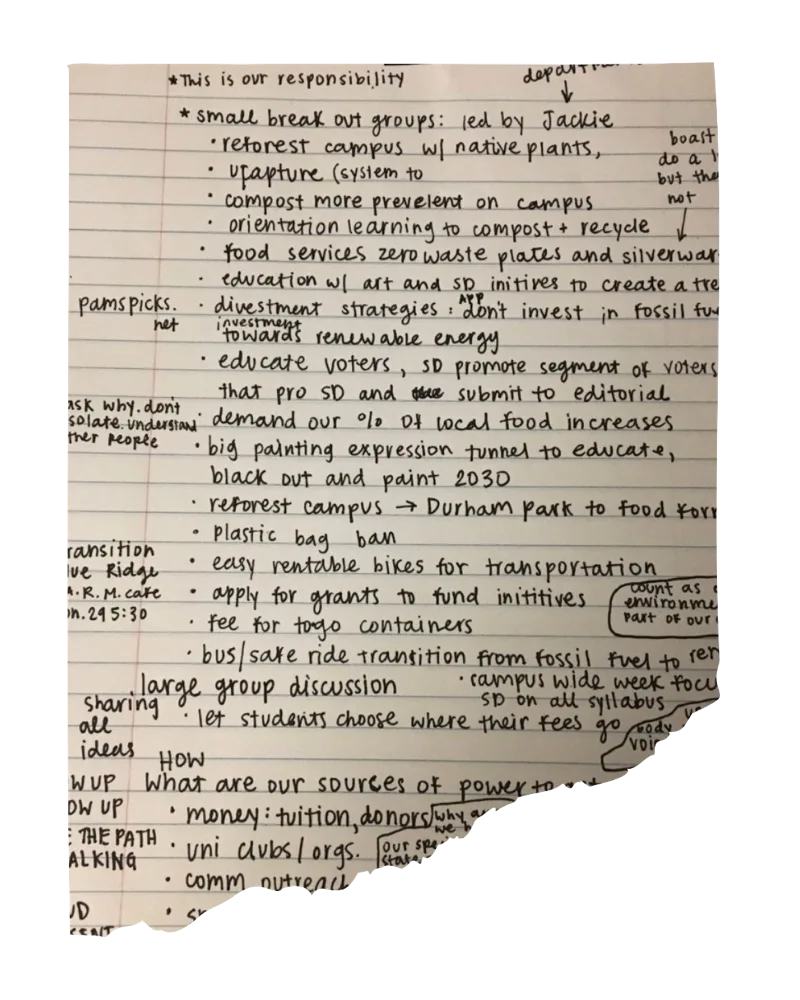
We write things in the order they arrive.
And the connections get lost.
Longer explanations live inside each node.
Enter adds an idea. Tab starts a branch. Your hands never leave the keys.
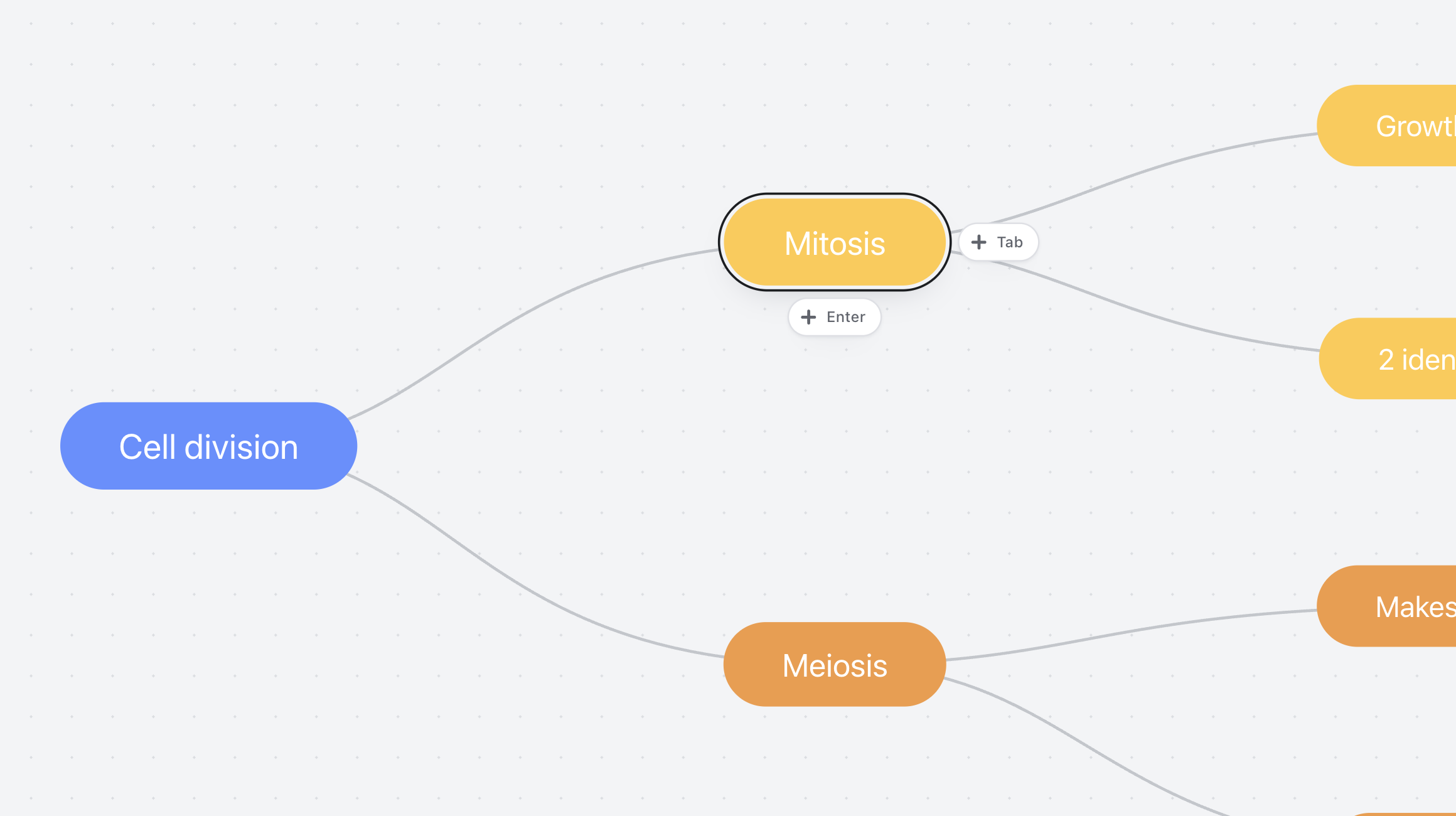
Keep the big picture clear. Open any node into a full page of notes, images and checklists.

Keep the formula and the working snippet next to the idea.

Keep screenshots and links next to the idea.
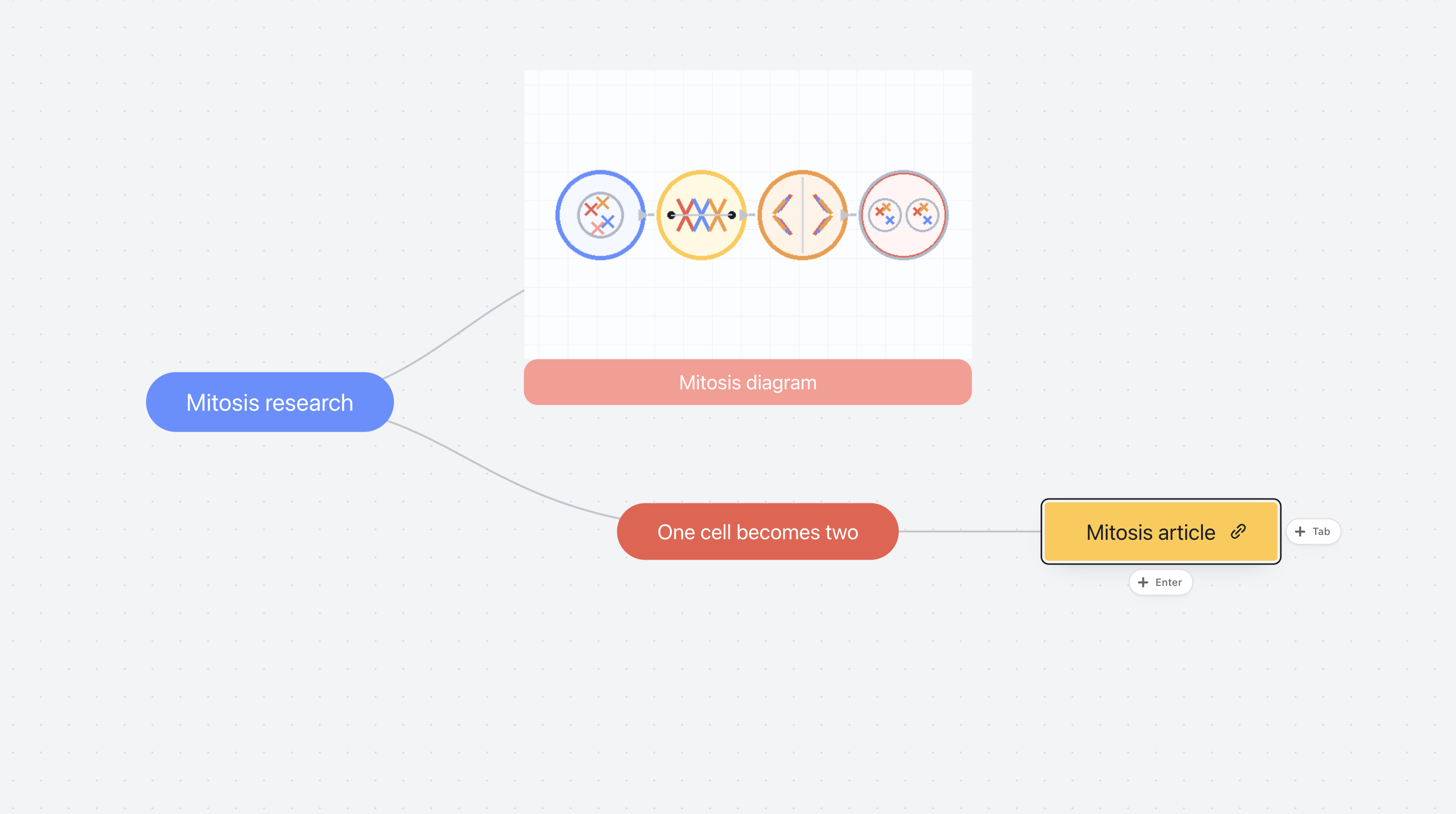
Colour-code your maps and nest them up to four levels deep.

Folders, maps, dates, and actions stay readable without visual noise.

I’m an independent developer and a student. I kept leaving lectures with pages of notes and no clear picture of how everything connected.
I’m a visual learner, so mind maps helped. Paper became inconvenient once the maps grew, and the apps I tried felt awkward or packed with features I didn’t need. So I built the simpler app I wanted to study with.
I also hate subscriptions. mappy will be a one-time purchase. If you want to follow what I’m building, email me or just say hi.
Email meNotes keep information in the order it arrived. A mind map lets you rearrange it into the shape that finally makes sense.
Connect your notes without losing the detail. Keep longer explanations inside each node, alongside the ideas they belong to.
Everything here earns its place in a real study session.
Type a formula and KaTeX formats it inside the node.
Keep screenshots and links next to the idea.
Keep the map clear, with notes, images and checklists inside each idea.
Preview your map before exporting, and include its notes in the same PDF.

Colour-code and nest them up to four levels deep.
One payment. That’s it.
No mappy account or sign-in is required. You can make and edit maps and notes offline. A connection is needed for iCloud Drive or another synced folder, links you open, and App Store downloads or updates.
mappy has no developer-operated cloud or account. Choose an iCloud Drive or other synced folder and that provider syncs it; I do not receive a second copy of your maps.
Your map, notes and embedded images stay together in a .mindmap file in your library. Reveal it in Finder, copy it or back it up whenever you like. If you use more than one Mac, update mappy on each one before adding notes.
Add text, images, links, formulas and code to your map, or expand any node into rich notes with headings and checklists. Open notes in the full window when you need more space. PDF export can include both the map and its notes.
mappy works on Intel and Apple silicon Macs running macOS 13 or later. It is a Mac app, not an iPhone, iPad or Windows app.
No. mappy is a one-time purchase with no recurring fee. Updates arrive through Apple, but I cannot promise every future major version will be included forever.
mappy focuses on mind mapping and note-taking and does not include AI features. It has no ads or developer analytics, and it never sends your maps or app usage to me.
Apple reviews Mac App Store refund requests and decides eligibility. If mappy itself is not working as described, email me and I’ll help.
Enter adds another idea. Tab starts a branch. Click the demo when you’re ready.
No account.
No mappy cloud.
No tracking.
mappy runs entirely on your device and phones nobody home. The paperwork says the same thing in longer words.
The short version: your maps stay on your device, and the mappy app does not send them or your usage data to me.